How to change date and time on a Medisana BW310 wrist blood pressure monitor
This is needed every time the batteries are changed.
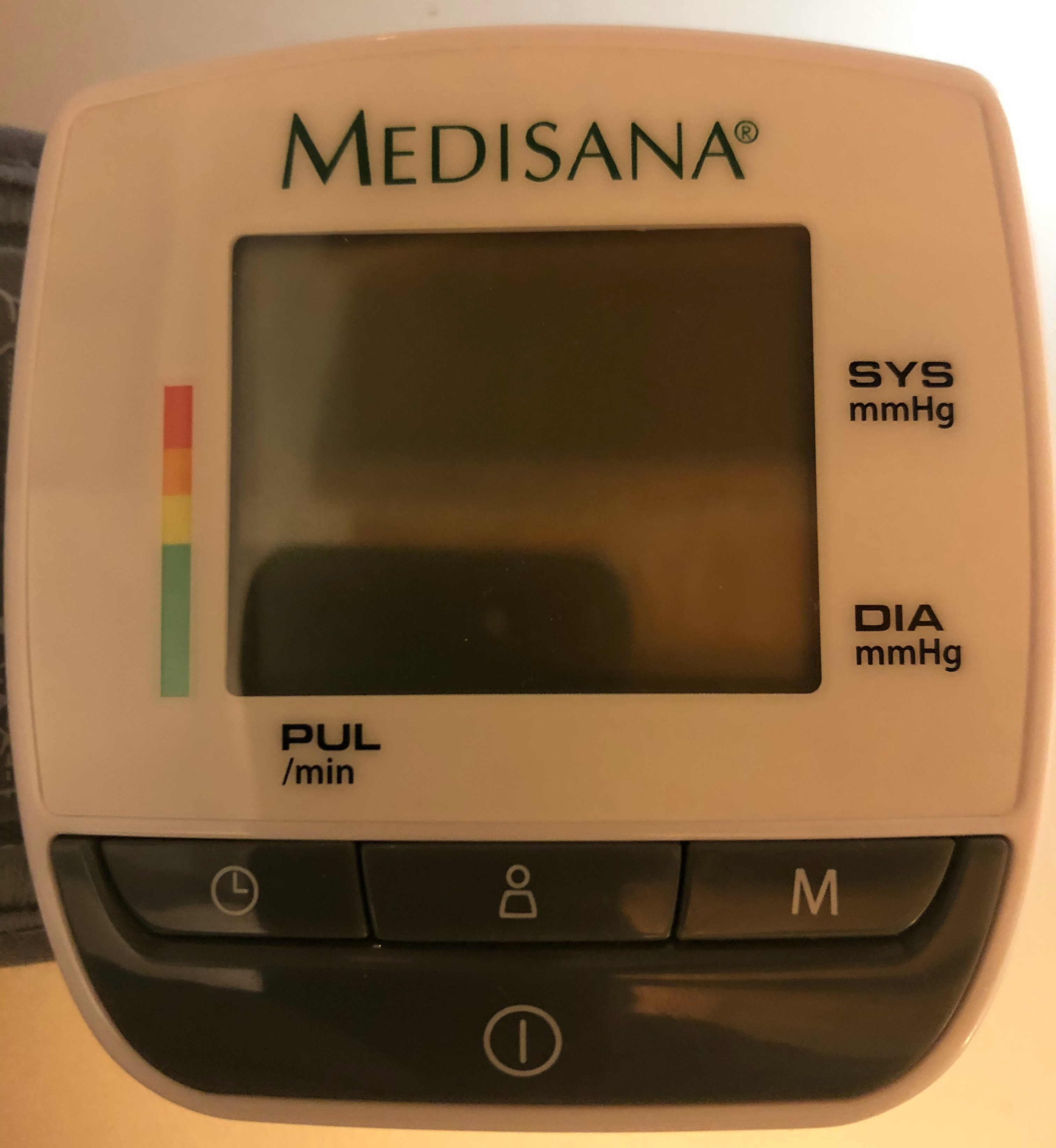
Under the screen there are four buttons. Top left a clock button; top right a button with M on it (the middle button with a person on it is not needed for this); underneath a button with a circle and a vertical line on it (the on/off button).
Press the clock button to turn the screen on. If it does not turn on, press the on/off button and then press the on/off button again and then try the clock button again.
Once the screen is on, press the clock button for five seconds (not the three that the manual says).
The screen will change to show the year, flashing. Press the M button enough times to change it to the correct year. Keep going if you overshoot. It wraps round at about 2030 or 2040. Then press the clock button.
The screen will change to show the day of the month, flashing. Press the M button enough times to change it to the correct date. Keep going if you overshoot. Then press the clock button. Then repeat all this for the month. These two items may appear in the reverse order.
Keep going and change the hour and minute in the same way. After the final press of the clock button, the date and time will be set and can be used by the memory function of the device.